
 Delete Inside
Tries to delete internal and extra faces: the yellow edges in Analyse, where three or more faces meet at one edge.
How to use it
- Fix orange, red and green first (Group, Delete Single Edges, Close Holes).
- Run Analyse and look at the Edges with 3 or more faces (yellow) counter.
- Click Delete Inside.
- If the counter went down but isn't 0, click it again. Stop when it no longer changes.
Before and after
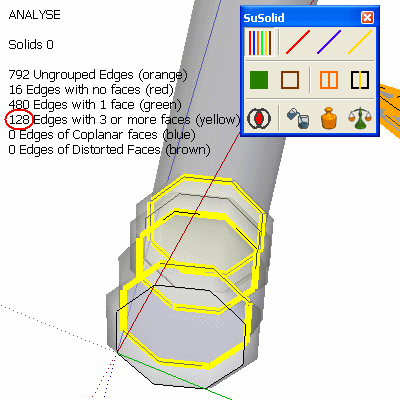
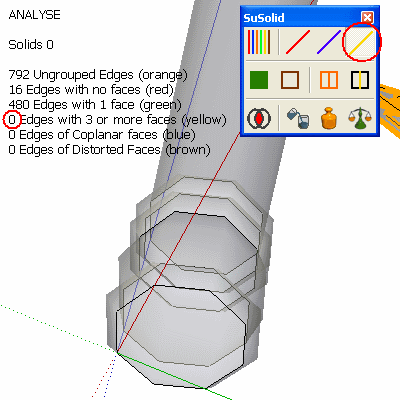
Limitations and intentional geometry
- If the inner face is a wall between two parts you want to keep, for example two cubes that share a face, use Divide instead. It makes two solids and keeps the wall in both.
- Some shapes need several passes, and some need a manual fix: delete the leftover faces yourself where the yellow edges remain.
- If faces pass through each other without a shared edge, SuSolid can't see the inside part. See the Intersect Faces tip.
Check the result
The yellow counter shows 0 and the part turns magenta (solid). If it still isn't solid, run Analyse again and look for new green edges: removing a face can open a hole, which Close Holes fixes.