
 Close Holes
Tries to close holes with new faces: the green edges in Analyse, which have only one face. You'll be surprised what it can close.
How to use it
- Fix orange and red first (Group, Delete Single Edges).
- Run Analyse and look at the Edges with 1 face (green) counter.
- Click Close Holes.
- If the counter went down but isn't 0, click it again. Stop when it no longer changes.
Before and after
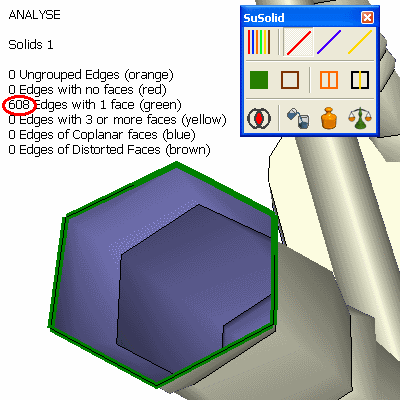
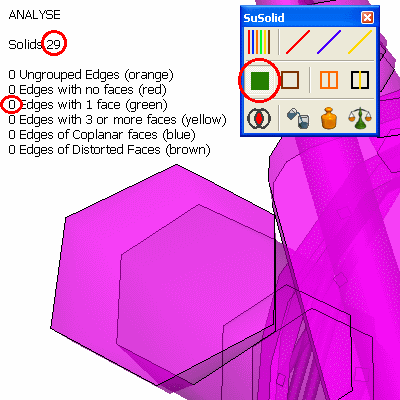
Limitations and intentional geometry
- Close Holes closes every opening it finds. Surfaces that are meant to be open, such as terrain, a sheet or a single pane of glass, will be closed too. Select only the parts that should become solid.
- Complicated holes may need several passes, and some need a manual fix: draw the missing edges or faces yourself.
- Very small holes may be too small for SketchUp to fill. See enlarging a small model by a factor of 1,000.
Check the result
The green counter shows 0. Look at the new faces: a hole bridged the wrong way can show up as yellow edges, which Delete Inside removes.