
 Assign Solid Material
Gives solid groups and components a material from a list, with its density, so that Balance can calculate their weight.
How to use it
- Select the solids that are made of one material, or nothing for all solids.
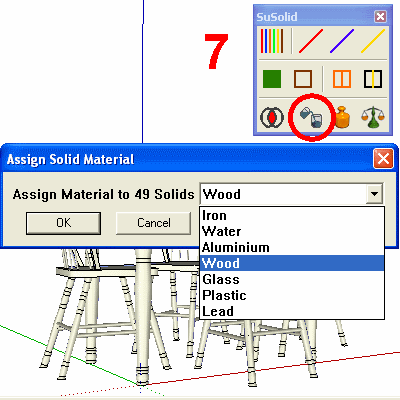
- Click Assign Solid Material. The dialog shows how many solids it will change.
- Choose the material from the list and click OK.
- Repeat for the parts made of other materials.
Materials in the list
The list starts with seven materials. You can add your own, or delete ones you don't use, in Settings.
| Material | Density |
|---|---|
| Iron | 7,860 kg/m³ |
| Water | 1,000 kg/m³ |
| Aluminium | 2,700 kg/m³ |
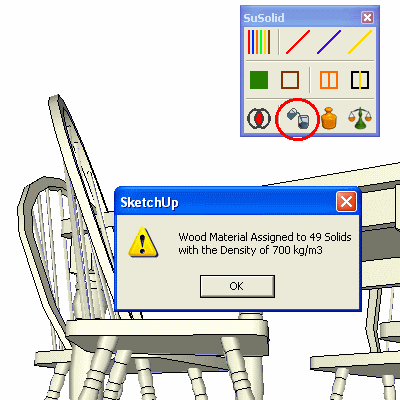
| Wood | 700 kg/m³ |
| Glass | 2,500 kg/m³ |
| Plastic | 1,000 kg/m³ |
| Lead | 11,300 kg/m³ |
Before and after
Limitations
- The weight is the solid's volume times the density, so the model has to have the real shape. A part drawn full but made hollow will come out too heavy.
- Real materials vary: wood, plastic and glass especially. For an exact figure, add your own material with the density from your supplier.
- If you already know a part's weight, use Assign Weight instead.
Check the result
Run Balance: every solid shows its weight next to it.